

Use it on a phone
For the best result, open this page on a sensor-equipped mobile device over HTTPS.
Live direction and optional coordinates in your browser.
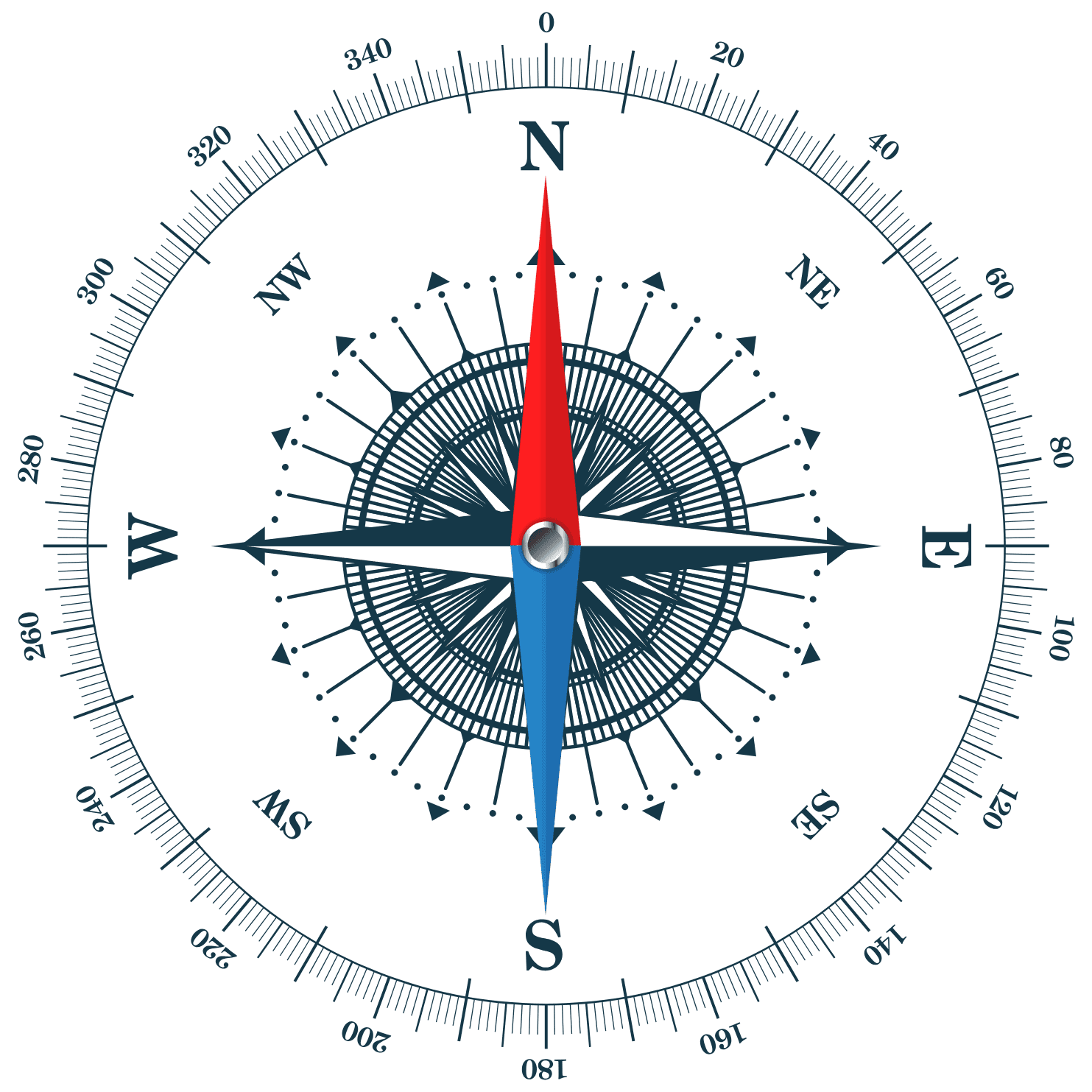
This browser compass uses the orientation sensor built into many phones and tablets. As you turn your device, the dial moves in real time and shows where the top of your screen points.
For the best result, open this page on a sensor-equipped mobile device over HTTPS.
Hold the screen flat, allow motion access when asked, and slowly rotate your body.
Direction is read on your device. Location is optional and can be switched off anytime.
Check these settings before trying again.
The online compass reads the orientation sensor in a compatible phone or tablet and converts it into a 0–359° heading. The dial rotates as the device turns, while the text reports the nearest cardinal direction. GPS is separate and optional: enable it only if you want coordinates. Sensor readings and coordinates are handled in your browser unless you choose Open on map, which sends the coordinates to Google Maps; the compass itself does not require an account.
Hold the phone flat with the top edge pointing forward. Calibrate with a slow figure-eight motion, then wait for the heading to settle.
Phone sensors usually estimate magnetic north. True north can differ by local magnetic declination, so this browser reading may not match a survey or marine compass exactly.
Modern browsers protect motion and location data. iPhone may require a tap before granting orientation access, and sensors are generally available only on secure HTTPS pages.
Location is off by default and is not needed for direction. Browser and device support varies; desktops and phones without a magnetometer may not provide a usable heading.
Nearby magnets, metal, electrical equipment or an uncalibrated sensor can distort the reading. Recalibrate and test away from interference.
Yes. Direction uses the orientation sensor. GPS is needed only for the optional coordinate and map features.
Use it for casual orientation only. For hiking, marine, aviation or emergency navigation, use a dedicated calibrated compass and offline maps.
Important: browser sensor readings can be inaccurate. Do not rely on this tool as the only source for safety-critical navigation.
Calculations use high-precision astronomical calculation methods · Methodology and interpretation notes maintained by My Destiny Path Editorial Team, transparent methods, plain-language review, and safety-first content checks